Monday, November 22, 2010

Week 14's Photo's

This is a photo of all things that i am thankful for. I first got a blank background then i used the gradient tool to create my background. Then i found some photos of things that i am thankful for and placed them on the paper. Then i went back and used the text tool to tell what the things are.

Wednesday, November 17, 2010

Week 13's Photo's


These are photos that I got of google then after messing around with them i created these pictures. I went to atncentral.com and downloading some brushes then after using some of the brushes i created these pictures. 

Friday, November 12, 2010

Week 12's Photos

This is a picture of Cameron Indoor Stadium and after using the blur tool i created this picture.

This is a picture of the student parking lot and after the using the blur tool this is what i got.

This is a picture of the school and i used the blur tool to create this picture.


This is a picture of the school and i used the blur tool to create this picture.

Wednesday, November 3, 2010

Week 11's Photo's

In this picture i took a picture of Hawaii and then i went to photo shop and wrote the word Hawaii. Then i placed the the picture of Hawaii in the word Hawaii.

This is a photo of night time in a the city. Then after i used the shadow tool i made it look like its only sundown.

This was a picture of an all yellow house and roof. But i traced the roof and colored the roof blue so it was not all yellow.

This was a photo of a red apple, but i changed the apple to blue. First i traced the apple and then i changed the color to a dark blue.

Wednesday, October 27, 2010

Week 10's Photo's

This is a picture of Alcatraz. Then using the brush tool i placed these pictures of scary things around the picture to create this.

 
This is a picture of a hotel. Then once i used the brush tool i created this scary picture. 

This is a picture of a church. Then after using some brush tools i created this picture.

This is a picture of a spooky cemetery. Then once again i used some sweet brushes to create this picture.

Thursday, October 21, 2010

Week 9's Photo's

This is a photo that i made by using the brush tool. I first got a photo of a spartan head then using the magic tool wand I traced it to make a brush and same with the basketball.

 This is once again a photo that i made using the brush tool. I first got a picture of the Nebraska symbol then using the magic wand tool i traced it and made it a brush and same with the football.

This is once again i picture i made using the brush tool. I first got a picture of a golf ball then using the magic wand tool i traced the golf ball and then made it a brush and same with the driver.

 This is a picture i created by downloading graffiti from the website www.brusheezy.com. Then i just placed a bunch of graffiti on the train to create this picture.

Thursday, October 14, 2010

Week 8's Photo's

This is a picture i did of Cody and the Great Wall of China. This process is called the combination of photos. 
http://www.schooltube.com/videosearch?q=photoshop&search-submit=Search

This is a picture i did of Michael Jordan and a cloudy blue sky. This process is called changing the background. 
http://www.schooltube.com/videosearch?q=photoshop&search-submit=Search

This is a picture of Michael Jordan again. This process is called creating a team picture, even though he is not a team by himself, he probably could be.  
http://www.schooltube.com/videosearch?q=photoshop&search-submit=Search
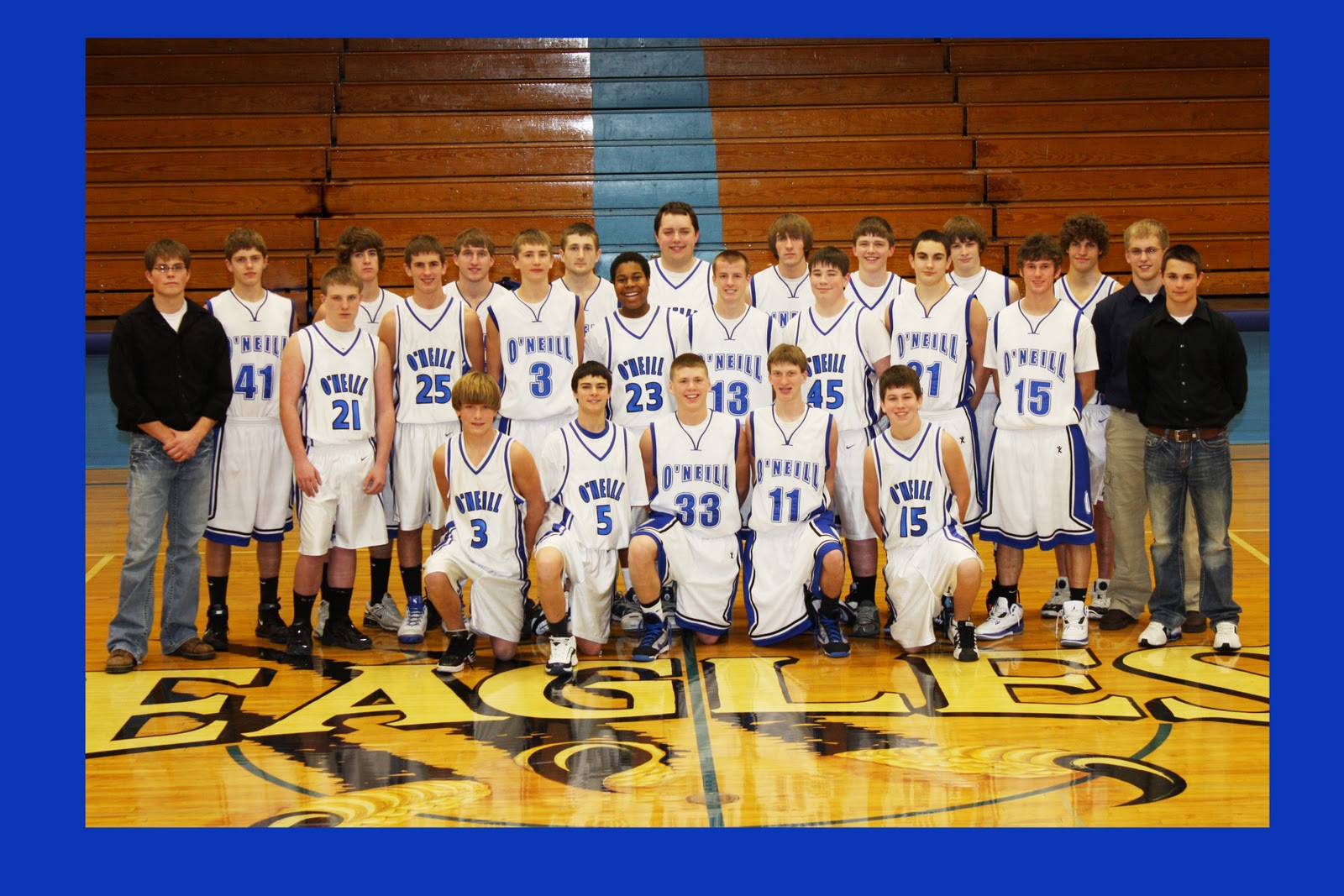
This is a picture i got off of the basketball page. Then using the process called make your own border i created this. 
http://www.schooltube.com/videosearch?q=photoshop&search-submit=Search